June 2, 2026 · Oskar Glauser
Newsletter design tips for small businesses that want more clicks
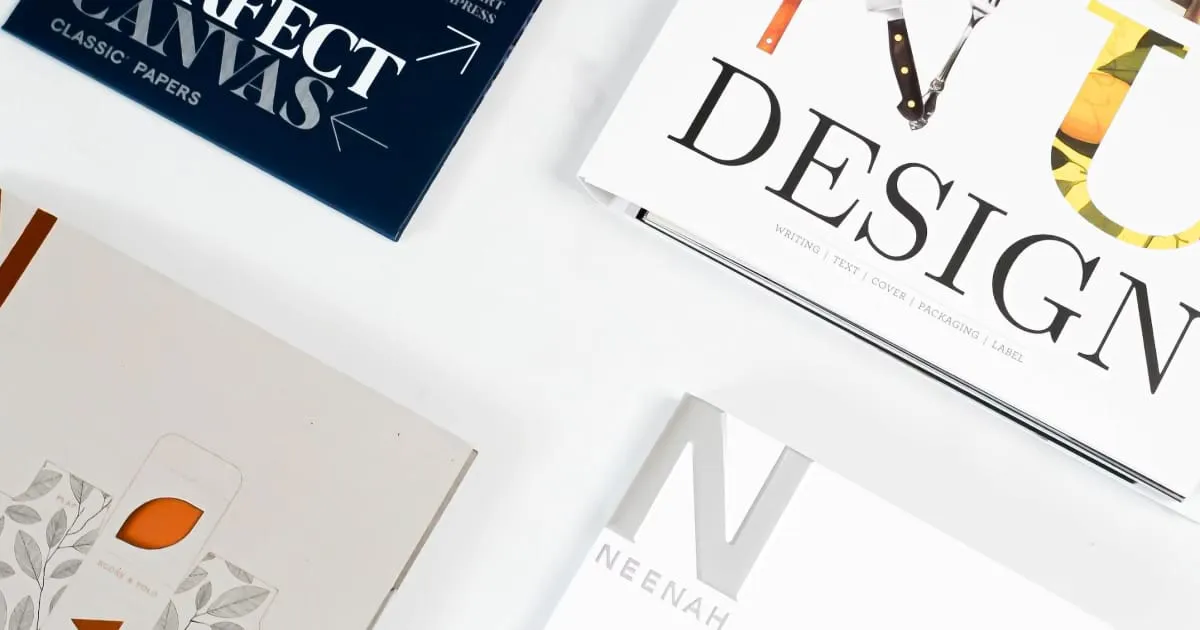
Good newsletter design is not about making emails look fancy. It is about making your message easy to understand and even easier to click.
That matters because every open counts. A realistic email open rate today is around 20 to 25%, so when someone opens your newsletter, the design needs to do its job fast. It should show readers what matters, build trust, and point them toward one clear action.
If you run a restaurant, salon, shop, or freelance business, you do not need a designer to send better emails. You need a clean layout, readable text, a clear button, and an email that feels trustworthy the second it opens.
Start with one goal, not five
The biggest design mistake small businesses make is trying to fit everything into one email.
Your newsletter should focus on one main action. Book a table. Claim the offer. Shop the new arrivals. Book a call.
If you ask readers to do too much, they often do nothing.
A simple restaurant example:
- Big headline: Summer patio now open
- Short intro: Join us this weekend for seasonal specials and outdoor seating
- One image of the patio or signature dish
- One button: Book a table
That is enough. Clear emails get more clicks because they reduce decision fatigue.
If you are still figuring out the content itself, this guide on what to write in a newsletter can help before you start thinking about design.
Use a layout people can scan in seconds
Most people do not read newsletters line by line. They scan. Your layout should make that easy.
Stick to a single-column design
For most small businesses, a single-column email works best. It is easier to read on phones, feels less cluttered, and naturally guides the eye from top to bottom.
A simple structure looks like this:
- Logo or business name
- Headline
- Short supporting text
- Image if needed
- Button
- Contact details
That flow feels natural, especially on mobile, where many readers will see your email first.
Keep sections short
Long blocks of text make people lose interest. Break things up with:
- Short paragraphs
- Clear subheadings
- Plenty of white space
- One idea per section
If you run a salon, skip the 250 word update about seasonal hair trends. Say this instead:
“Dry summer hair? Our 45 minute repair treatment is back this month.”
Then add one sentence about who it is for and a booking button.
Short wins.
Get the text-to-image balance right
Images can help, but only when they support the message. Too many can slow down the email, make it harder to scan, or leave readers confused if the images do not load.
Use images to support the message
A shop promoting a new collection might use one strong photo near the top, followed by a short description and a button. That works because the image adds context, but the text still does the selling.
Your email should still make sense without the image.
A simple test helps: if you remove the image, does the email still work? If not, add more useful text.
Avoid image overload
Newsletters packed with banners, graphics, and product tiles often feel harder to read, not easier. For many small businesses, one or two images are enough.
Freelancers can often go even simpler. A mostly text email with one small case study image and a “Book a call” button can feel more personal and more trustworthy than a polished promo layout.
That matters because attention is limited. Clean design helps readers stay focused on the action you want them to take.
Make mobile readability non-negotiable
An email that looks good on a laptop can still fail on a phone. That is where plenty of clicks are lost.
Make text easy to read
Use:
- Short subject lines
- Clear headlines
- Body text that is easy to scan
- Plenty of spacing between lines and sections
If a paragraph looks dense on desktop, it will look worse on mobile.
Make buttons easy to tap
Your main button should be obvious and easy to press with a thumb. Tiny text links are easy to miss. A proper button stands out and gives readers a clear next step.
Good button placement usually means:
- One main button near the top half of the email
- The same button repeated at the end if the email is longer
For a local shop, that could look like this:
Headline: New weekend collection just arrived
Button near top: Shop the collection
Short product section
Button at end: Shop the collection
Same action, two chances to click.
Make your newsletter feel trustworthy
Some emails get ignored before readers even think about clicking. Not because the offer is bad, but because the email feels off.
Trust is part of design too.
Use clear branding signals
A trustworthy email usually includes:
- Your business name
- Your logo or a simple branded header
- Consistent colors and fonts
- A real reply-to email address
- Contact details in the footer
- A visible unsubscribe link
These details reassure readers that the email is legitimate and expected.
For a freelancer, trust might come from a very simple format:
- Name at the top
- Short personal note
- One client result
- One link to book a call
- Full contact details at the bottom
No flashy graphics needed.
Do not make it look like an ad flyer
Many small businesses assume more design means better design. Usually, the opposite is true.
Too many colors, too many font styles, and too many banners can make your email feel like spam. Cleaner newsletters often perform better because they feel more human.
That is especially important when someone has already opened your email. You have their attention. Do not waste it with clutter.
Improve one design choice at a time
You do not need a full redesign to get more clicks. Start with one change in your next newsletter:
- Shorten the email
- Use one main button
- Move the button higher
- Replace three images with one
- Add more spacing between sections
- Simplify the footer
Then watch what happens. Click rate is usually more useful than open rate when judging design changes, because clicks show whether the layout actually helped people act.
If you use a platform like Minutemailer, simple templates, mobile-friendly designs, and click tracking can make this easier. But the core principle stays the same on any platform: clarity beats clever design almost every time.
Your next newsletter does not need to be prettier. It needs to be easier to read and easier to click.
Before you send it, open it on your phone and ask one question: can someone understand this and know what to do in five seconds?